PSI
Resource Center
PSI Software Resource Center

Fast access to Software Downloads Encrypted Passwords Plot File Templates Training Resources

Centralized tools, downloads, passwords, and training resources for field technicians.
Software Downloads
Encrypted Passwords
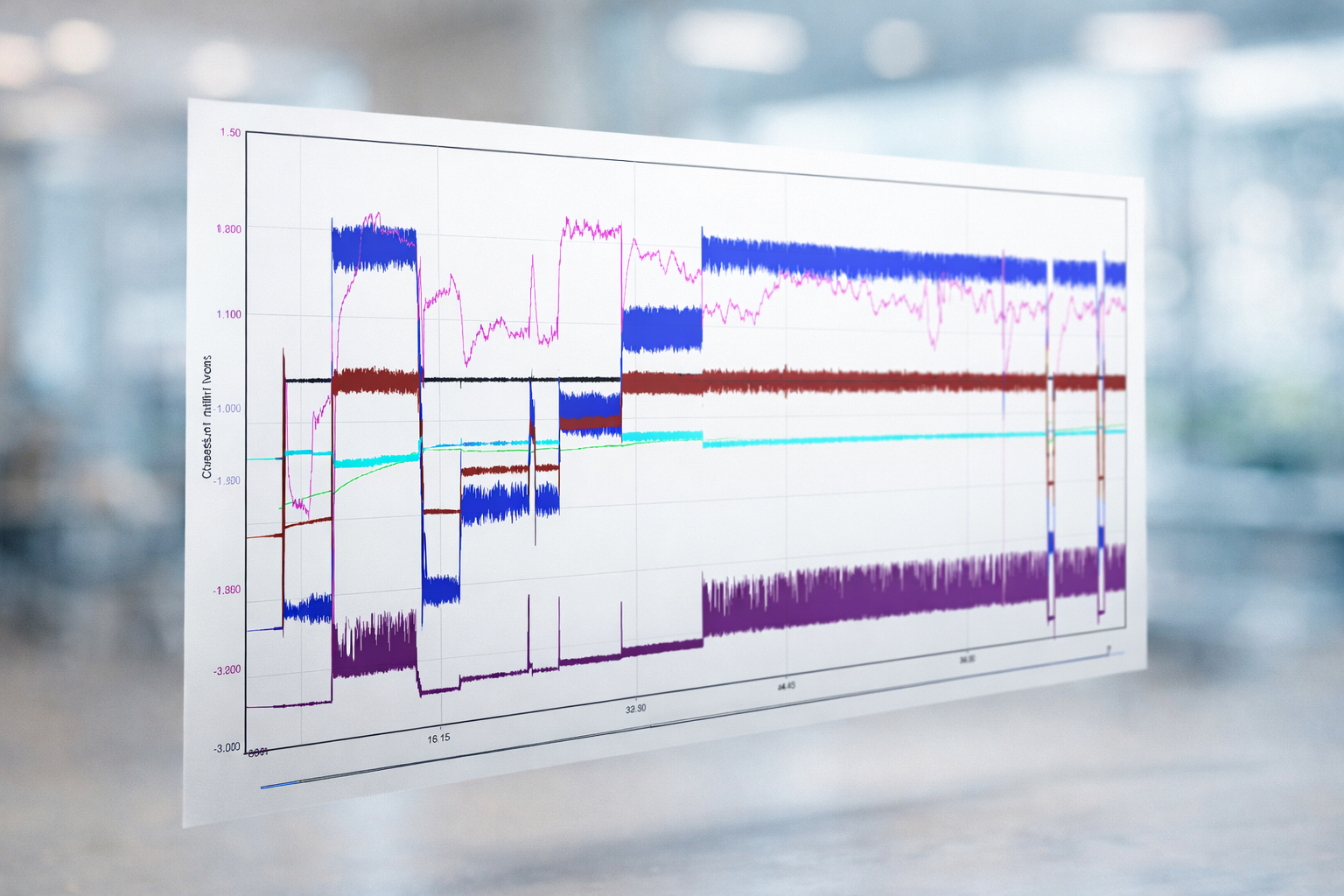
Plot File Templates
Training Resources

cloud_download Software Downloads

cloud_download
Latest
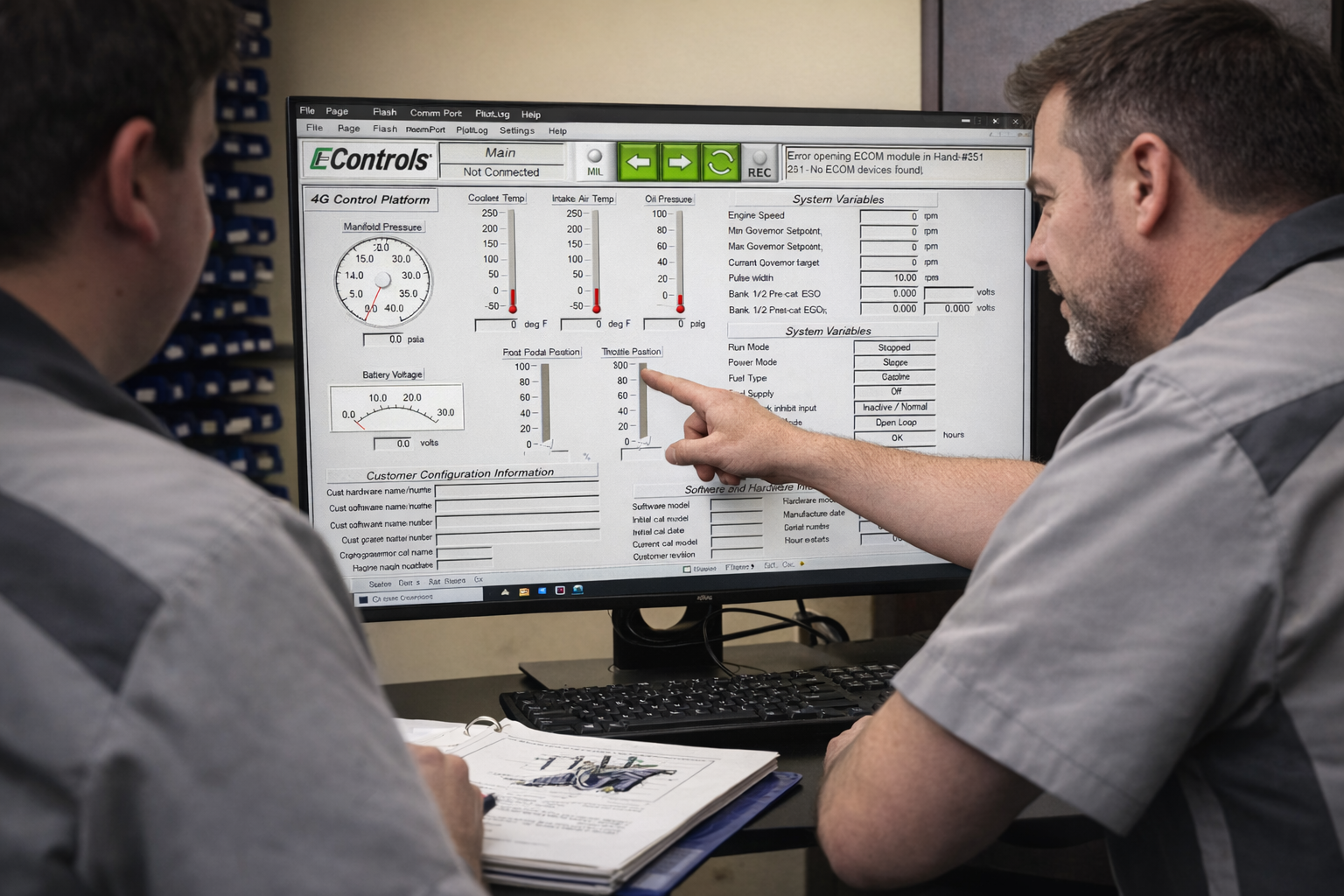
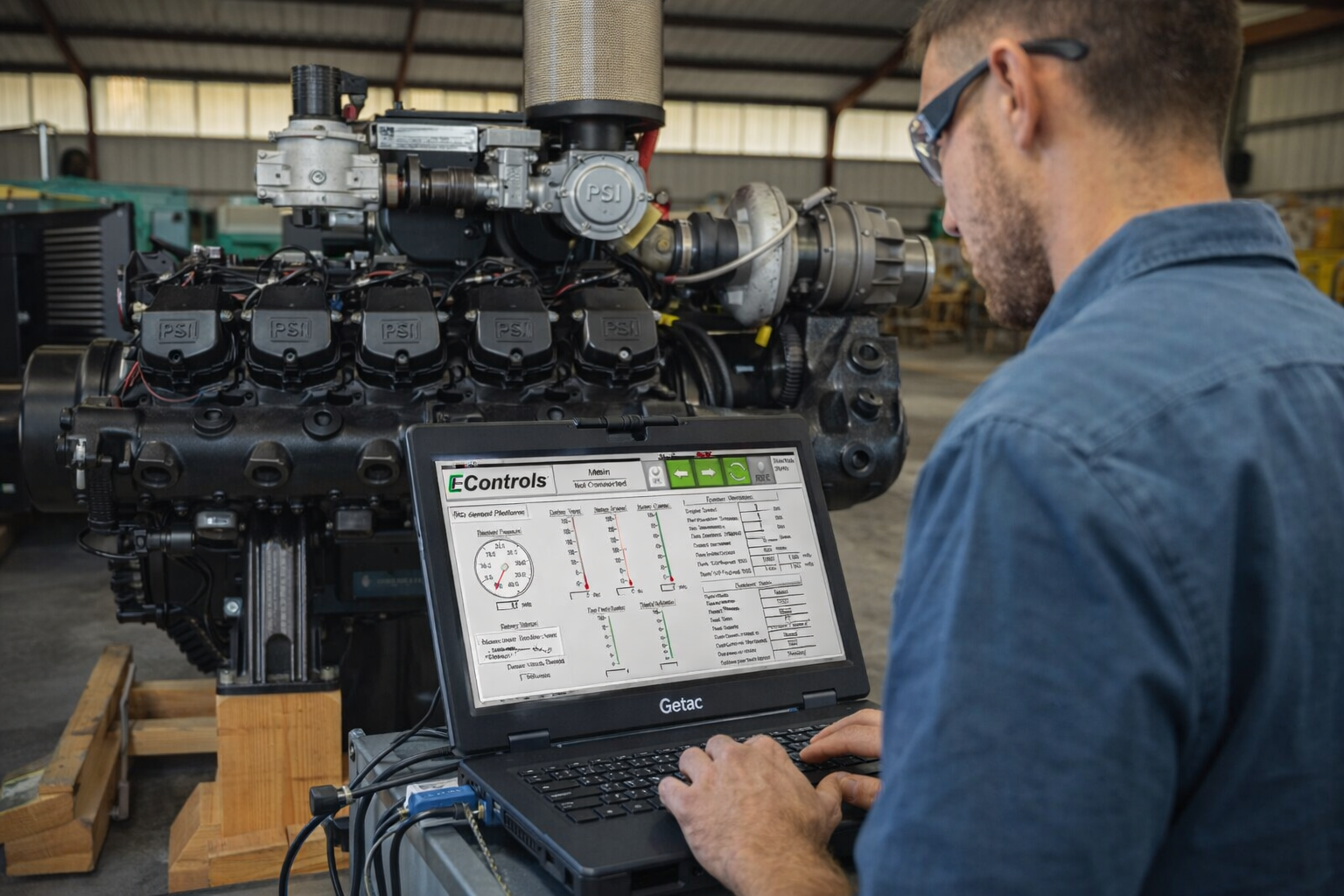
4G Display v684C

Current and most common Diagnostic Software

Note: Older Weichai WP Series engines may require legacy 4G v608A. Get Legacy v608A →
developer_board
GCP Display

GCP software is legacy software used on certain products up to 2024

Download
settings
PSI Display

Legacy display software generally out of production since 2018. If your diagnostic connector is a 4 pin square or 2 pin flat connector, you likely will use PSI Display software.

Download
memory
LCI Display

LCI Series software.

Download
usb
ECOM Driver

Required interface driver for all display softwares. You do not need to download this separately. The driver file is contained in the download packages above. Install the driver from that package during software installation.

Download

lock Encrypted Passwords

4G Display (16 digit)
1BZI-2TOY-EKHF-CHCK
4G Display (26 digit)
DXNGNCZMKTKNE-FMO1N5JEHEBIU
GCP Display
NQUX-VK2M-FF3K-XDCJ
PSI Display
NVWW-ZKMN-NVWK-TDIN
Weichai 4G (16 digit)
RBK2-N4KI-JXDO-KDBF
Weichai 4G (26 digit)
AI4DGYWO4LCRR-5GCBJQNKGLK0M

show_chart Plot File Templates

school Training Resources

info Knowledge Info

developer_mode Field Programmer

developer_mode
Field Programmer v4.4.1

Used to update engine ECM calibrations on certain industrial and power systems applications.

battery_charging_full Lithium Ion Battery

battery_charging_full
iBMS Software v3.0.8

Battery Management System software used to connect to and monitor PSI Lithium Ion Battery products. Essential for battery diagnostics, downloading log files, and more.

Download

Diagnostic Software Support

Frequently Asked Questions

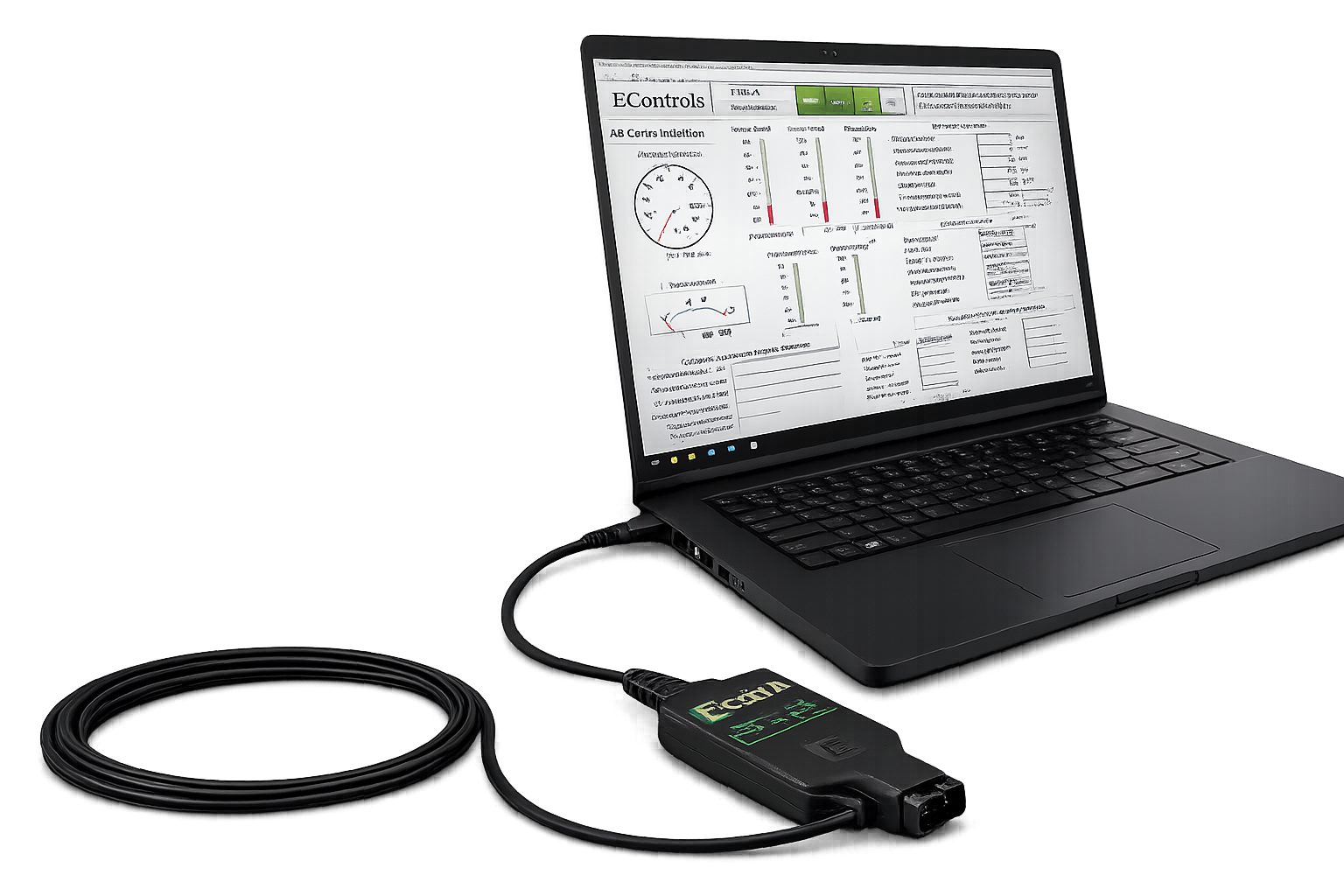
You will need an ECOM or ECOM 2 Cable

ECOM Cable part number is z101554

Purchase the ECOM cable from our parts team at parts@psiengines.com or 888-331-5769

Yes, you will need a driver for the diagnostic software.  Luckly, the “ECOM Driver” is contained within the software download .zip folders linked above.  Take a look!

Take a look at the video above for step by step guidance on the installation.

This can occur for several reasons.   See below for the most likely causes.

  1. You are using the incorrect software for the ECM hardware.  Check the white label on the ECM, does it say GCP or 4G?
  2. You are using the incorrect password.
  3. You did not insall the ECOM Driver.
  4. Your engine ECM is not powered  up.

Yes, we offer multiple types of training solutions.  Take a look at our training page as a starting point!